Trend and probability view
Crazy Time Predictor
The Crazy Time predictor turns recent results into a readable trend view: sample window, frequency heatmap, bonus drought counters and data confidence. It does not identify the next spin.
 Crazy Time UK
Trend and probability view
The Crazy Time predictor turns recent results into a readable trend view: sample window, frequency heatmap, bonus drought counters and data confidence. It does not identify the next spin.
Tracked sample
Feed loading
Hot trend
Feed
Cold trend
Loading
A mode
Main
Predictor widget
Use the widget to inspect what the recent Crazy Time sample is doing against the long-run wheel mix. The result is a trend note, a sample-size label and a confidence label, not a betting instruction.
Frequency heatmap
Loading frequency rows...
Over-index and under-index labels compare the selected sample against the 54-segment wheel mix. They describe the sample only.
Loading bonus counters...
Swipe sideways for all columns
Scroll sideways for all predictor table columns on small screens.
| Time | Segment | Top Slot | Multiplier |
|---|---|---|---|
| Loading recent rows... | |||
Sample Window and Confidence
Change the sample before reading any trend. A 50-spin view is useful for the last stretch of results, but it is noisy. A 200-spin view is steadier, though it still describes a short run compared with the wheel's long-run distribution. The 24-hour option uses the API's current daily context where exposed.
The confidence label is about data quality, not outcome certainty. Fresh data, a larger sample and a complete segment table raise confidence in the description of the sample. They do not raise confidence in a next-spin call, because the next spin remains independent.
For the full result history behind this view, use the Crazy Time tracker. For aggregated tables, open the statistics behind the predictor.
Frequency Heatmap
The heatmap highlights segments that are above or below their expected share in the selected sample. A high delta means the sample has contained more of that segment than the wheel mix would suggest over the long run. A low delta means the opposite.
That sounds predictive only if the sample is misread. The wheel does not try to balance itself on the next result, and a segment that is currently under-indexing is not waiting to correct. The heatmap exists to make the live rhythm easier to read without turning it into a signal.
Bonus Droughts and Trends
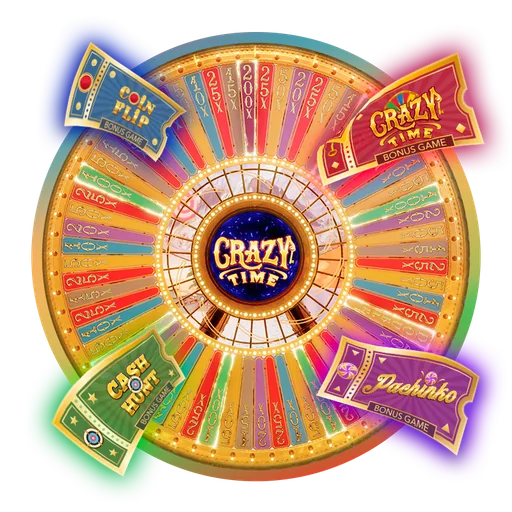
Use the bonus drought panel to see how many tracked rounds have passed since Coin Flip, Cash Hunt, Pachinko or the Crazy Time bonus last appeared in the selected sample. The number is a history marker, not a claim that a bonus is next.
Bonus counters are most useful beside the bonus games overview, where the four features are separated by mechanics before they are reduced to a single drought row. When the tracker feed is stale, the panel lowers confidence instead of stretching the data.
Version-specific view
Crazy Time A belongs in its own tab because it should not be mixed with the original table. If the API returns a separate A feed, the predictor can render that version's sample. If the API returns the main Crazy Time table, the tab labels the limitation instead of blending the two streams.
That separation also applies to the the Crazy Time A version, the live stream and the tracker. Version labels matter because a probability view is only useful when the sample is clearly named.
Predictor Limits
Apps, signals and scams
Searches around Crazy Time prediction often include AI tools, signal apps, APK downloads and paid groups. The safe reading is simple: if a product claims it can identify the next Crazy Time result, it is claiming more than a recent-results view can support.
The legitimate use case is descriptive. A trend view can show recent spin pattern, bonus drought counters, over-indexing and under-indexing. It can also show data freshness and whether the feed is stale. It cannot read hidden RNG state, dealer behaviour or stream delay.
Mobile access belongs on the Crazy Time app page, where the safe route is a browser shortcut or an operator app from normal stores. Predictor APK files promoted outside that context should be treated as security risk, not as game insight.
Related data paths
The predictor is the quick trend panel. When the user needs the underlying round feed, the Crazy Time tracker is the direct source. When the user needs broader tables, hit frequency and multiplier distribution, the statistics behind the predictor own that deeper view.
For live watching, watch Crazy Time live and keep this page as the text layer beside the stream. For bankroll framing and why recent results do not create an edge, read Crazy Time strategy. For maths behind payout odds and multipliers, use the payout odds and multipliers page.
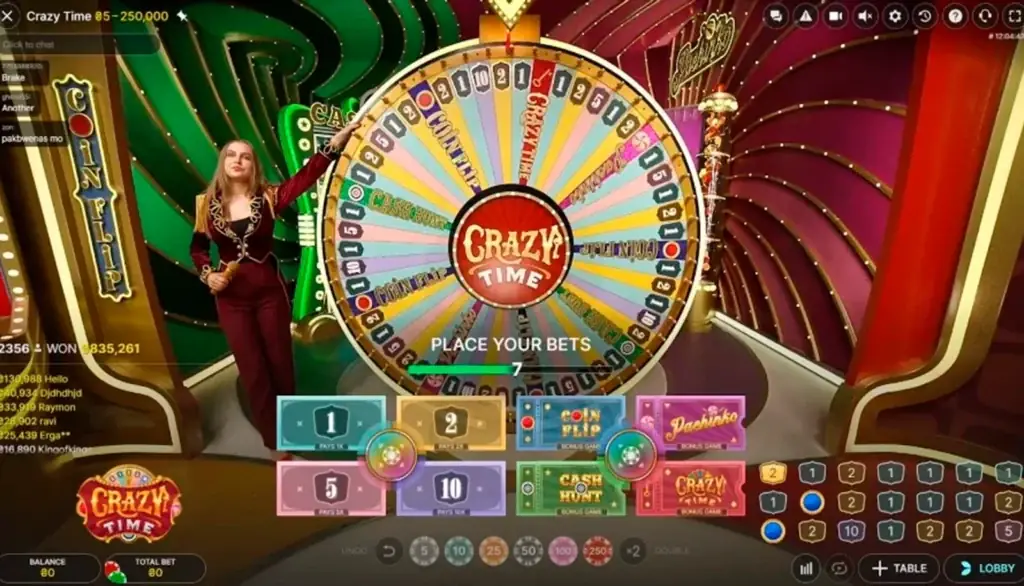
Mechanics still matter when reading trends. The Crazy Time rules page explains the wheel and Top Slot, while the bonus games overview separates Cash Hunt, Coin Flip, Pachinko and the Crazy Time bonus before the predictor reduces them to counters.
FAQ
No. It shows recent frequency, drought counters and data confidence. It does not identify the next spin or tell anyone what to back.
Many players search for one. The page answers that search with transparent data, visible limits and plain warnings about signal claims.
Confidence describes the freshness and size of the sample. It is not confidence in a future result.
The Crazy Time tracker keeps the round feed, while statistics behind the predictor holds broader tables.